Compatible with Chrome and Edge
Instruction Guide
We have a simple tutorial guide which explains the features of the software extension and what each button inside the extension does. Read our tutorial and welcome guide on how to use the extension to the fullest. Use all the features of this browser software.
If you are interested in other web extensions to install, you might wish to check out the Microsoft Bing Search with Rewards extension.
Microsoft Bing Search with Rewards Extension
It allows you to complete daily offers to get points.
Track the number of points you have currently and the rewards you can redeem with these points.
The ways to get points & get rewarded is search with Bing, browse with Microsoft Edge and shop at the Microsoft and Windows stores to earn rewards.
Sponsored Link:
Other useful extensions
Another extension which would be useful to install is the iCloud bookmarks extension.
It allows to keep your Chrome bookmarks on Windows synced up with the Safari bookmarks on your iPhone, iPad, and Mac.
iCloud will store your website bookmarks so it is accessible even on your iPhone and Mac.
Try these other two extensions and see if it will boost your daily productivity.
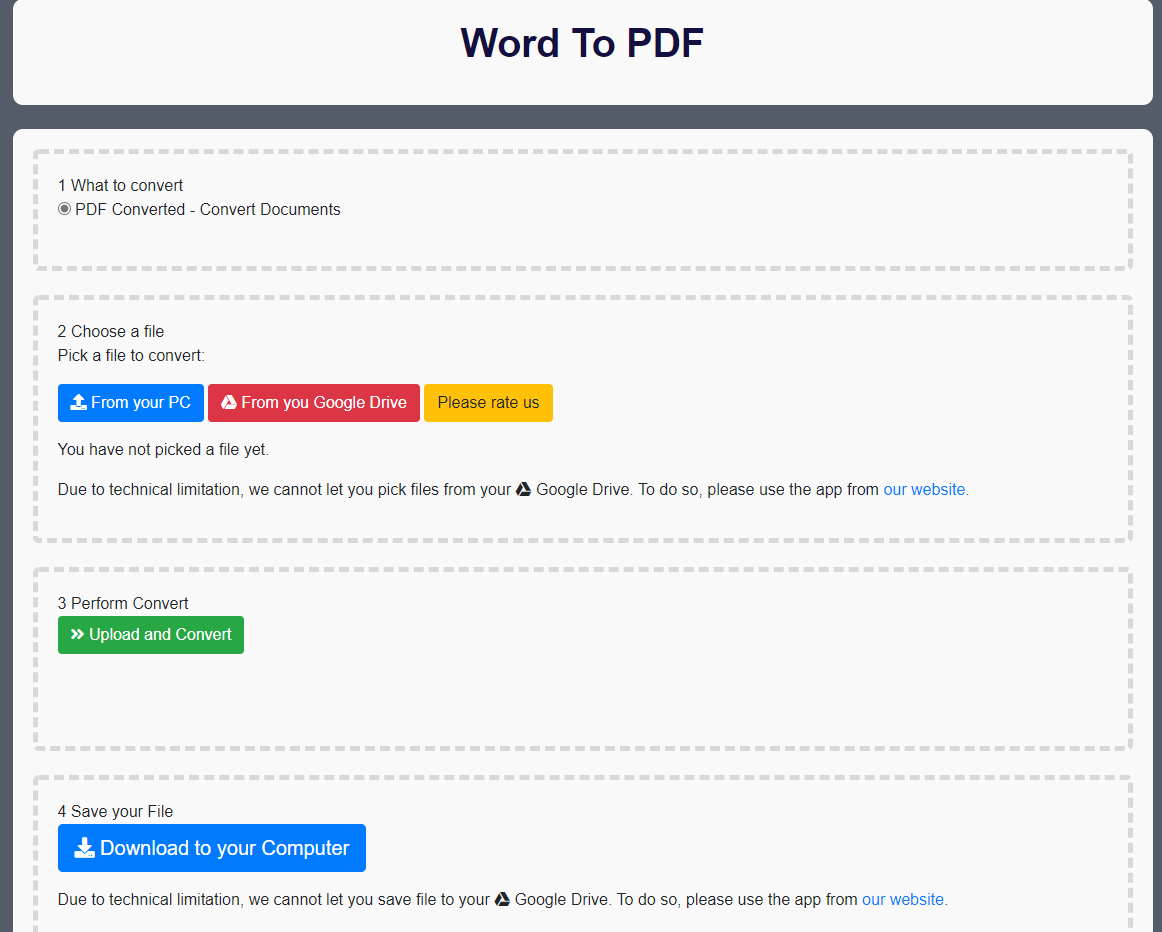
You dont need to register to begin converting Word to PDF. Our extension supports Word conversion to PDF - Convert as many files as you want - Save your output files to either your computer/Google Drive Convert your word documents to PDF now and save it to either your local computer/Google Drive. This word to PDF converter service is 100% free. Try it now
Features:
Install and open.
- After installing the extension. You click on the extension icon and can begin to convert your word documents to PDF.
The PDF format is widely used for document distribution and exchange. It is a near-universal standard, with support built into almost every operating system, application, and device.
PDF documents are based on the PostScript page description language developed by Adobe Systems. The PDF specification describes a method for encapsulating a document (text, graphics, images and fonts) within a file that is portable between different applications.
The PDF format has several advantages over other file formats:
It is supported by most web browsers and operating systems.
It preserves formatting, fonts and images in documents.
It can be encrypted so that only authorized users can view the contents of a document.
Here are a few of the most popular software which can convert documents to PDF:
Adobe Reader
Microsoft Word and Excel
Microsoft Office 365
OpenOffice
Google Drive
Nitro Pro (Windows/Mac) - This is another popular alternative to Adobe Acrobat Pro if you're looking for something cheaper or don't need all the bells and whistles that come with Adobe's software. Nitro Pro comes in both personal and professional versions with varying prices depending on which version you choose
Foxit PDF Reader
Foxit PDF Reader is a free, feature-rich software that enables you to convert any document to PDF. It has a simple and intuitive interface that makes it easy to use.
Tutorial:
- Install the Extension
- After installing the extension, click on the icon on the toolbar.
Sponsored Link: